01
See your connection
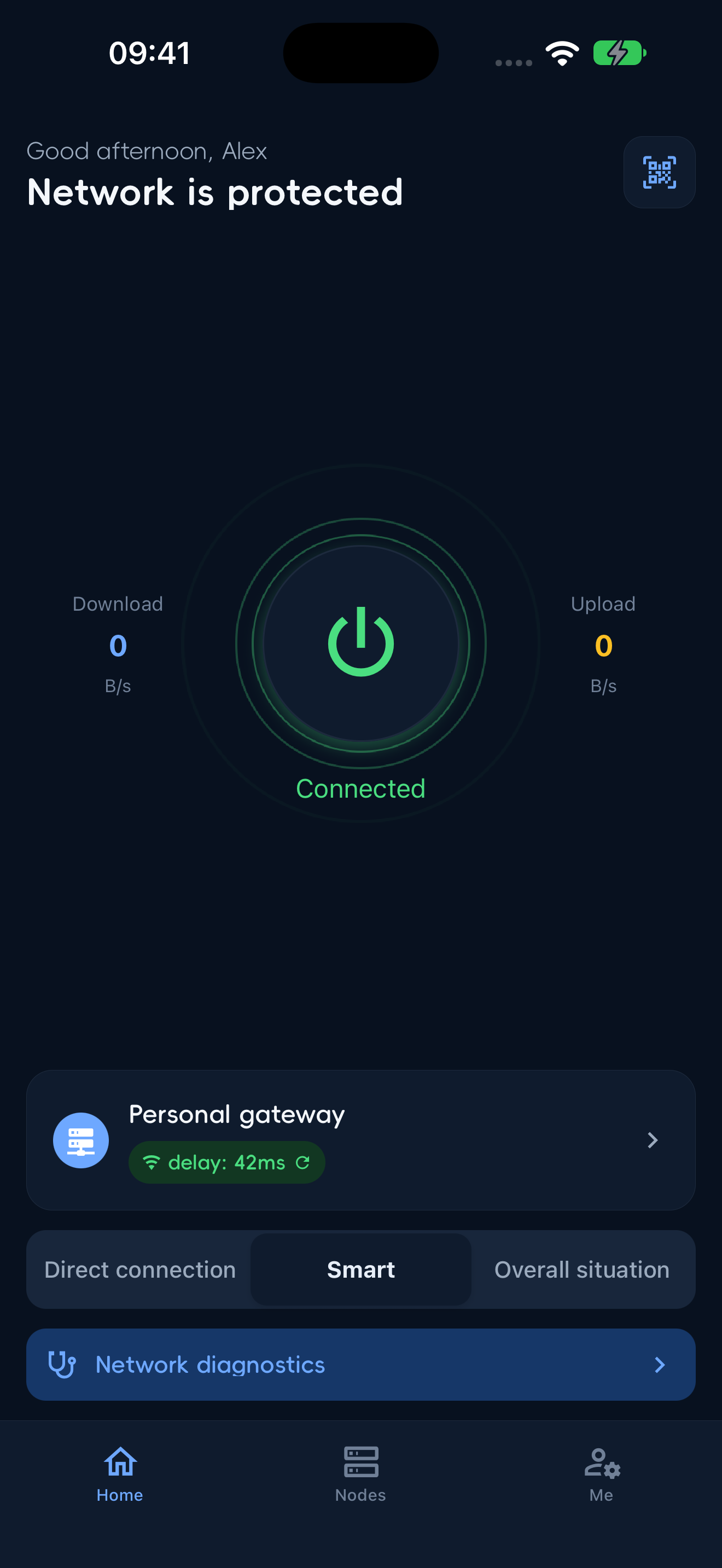
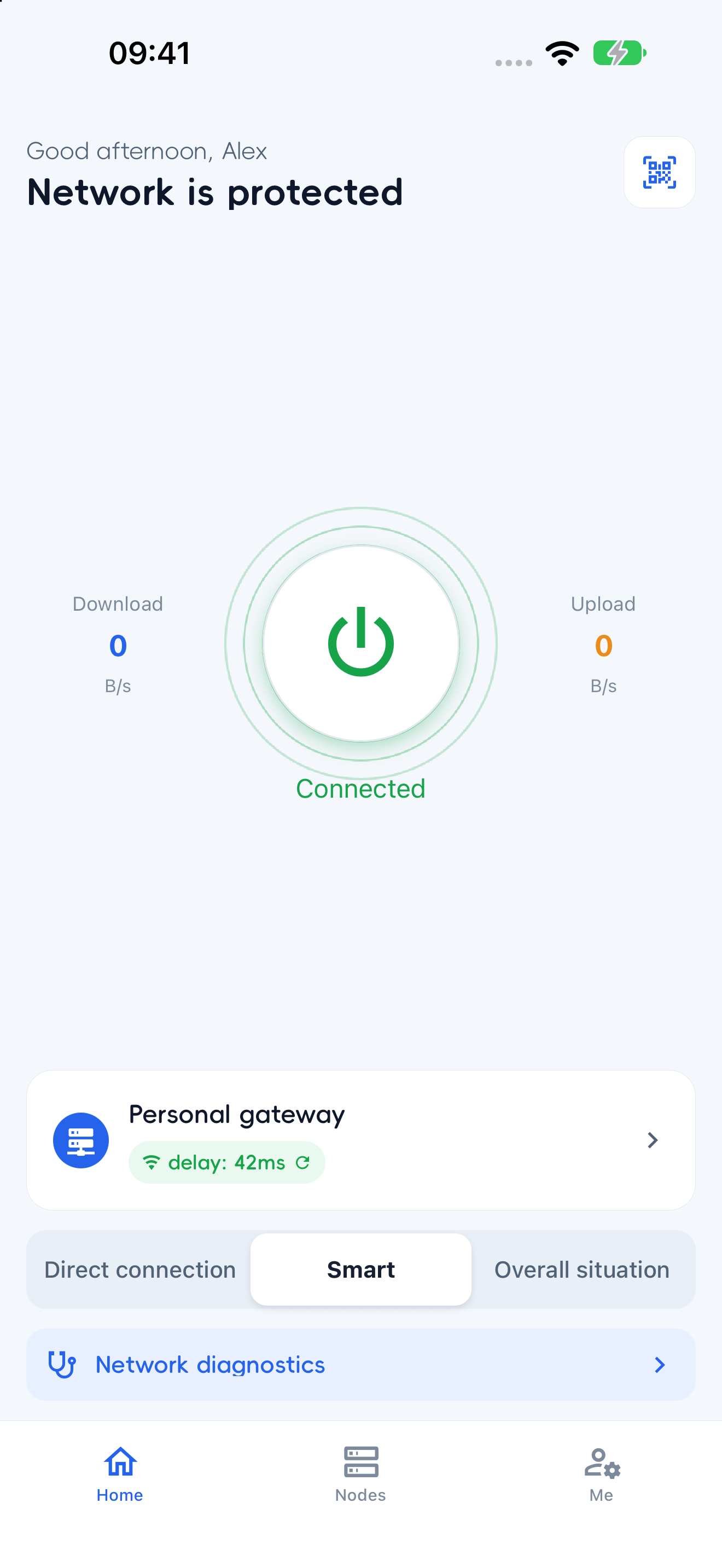
Connection status, your selected node, and routing mode in one place.
YOUR DEVICES. YOUR CONNECTION.
Choose nodes, manage routing, and see every connection clearly. On your phone and your computer.
Clients for Windows, macOS, Linux, iOS, and Android
LESS FRICTION. MORE CLARITY.
From choosing a node to setting routing preferences, checking usage, and diagnosing issues. Your everyday controls, close at hand.
Connection status, your selected node, and routing mode in one place.
Direct, Smart, and Global modes, with domain, DNS, and tunnel settings.
Add VLESS, VMess, and Trojan nodes manually or import shared content.
A CLOSER LOOK
Pick a feature to explore the actual app interface.
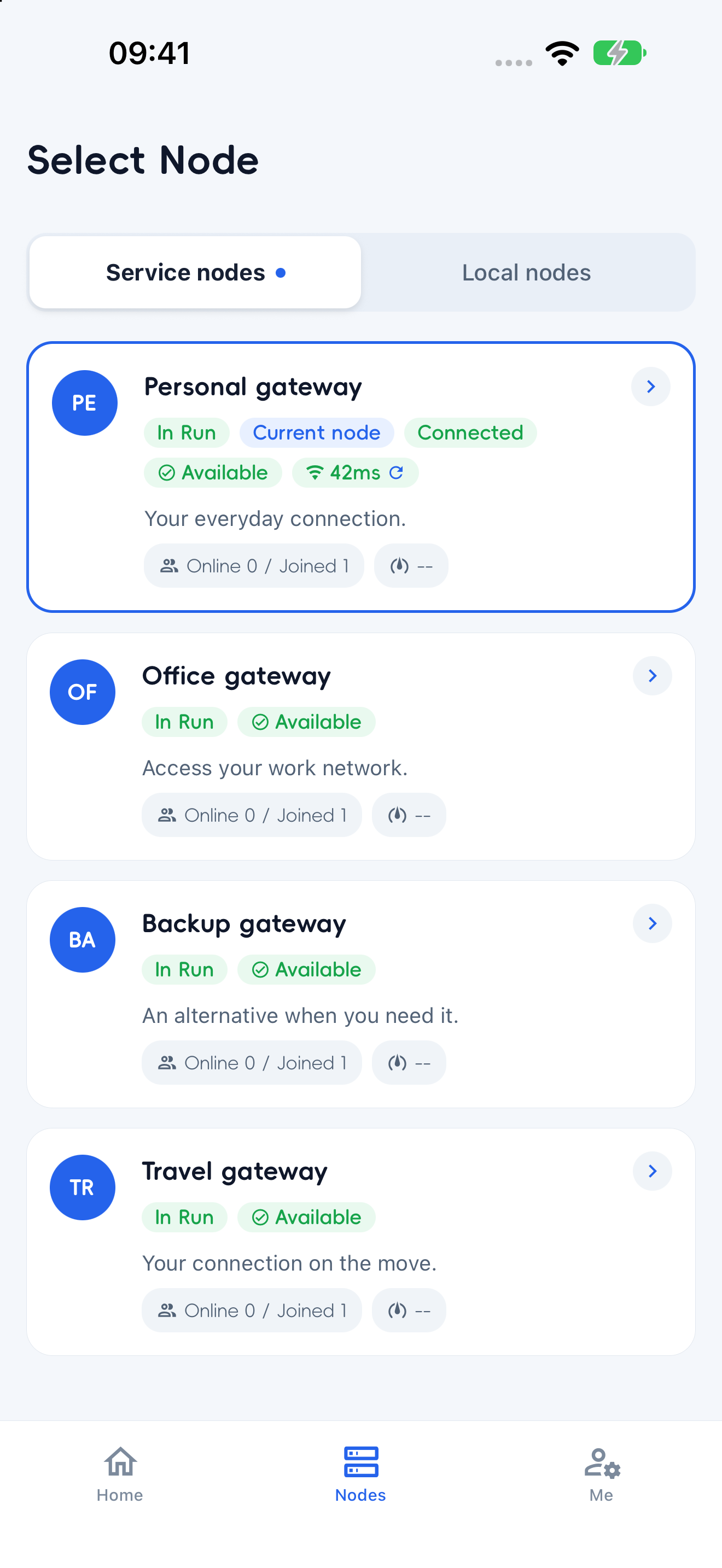
See access permissions and availability for service nodes, or switch to local nodes saved on your device.
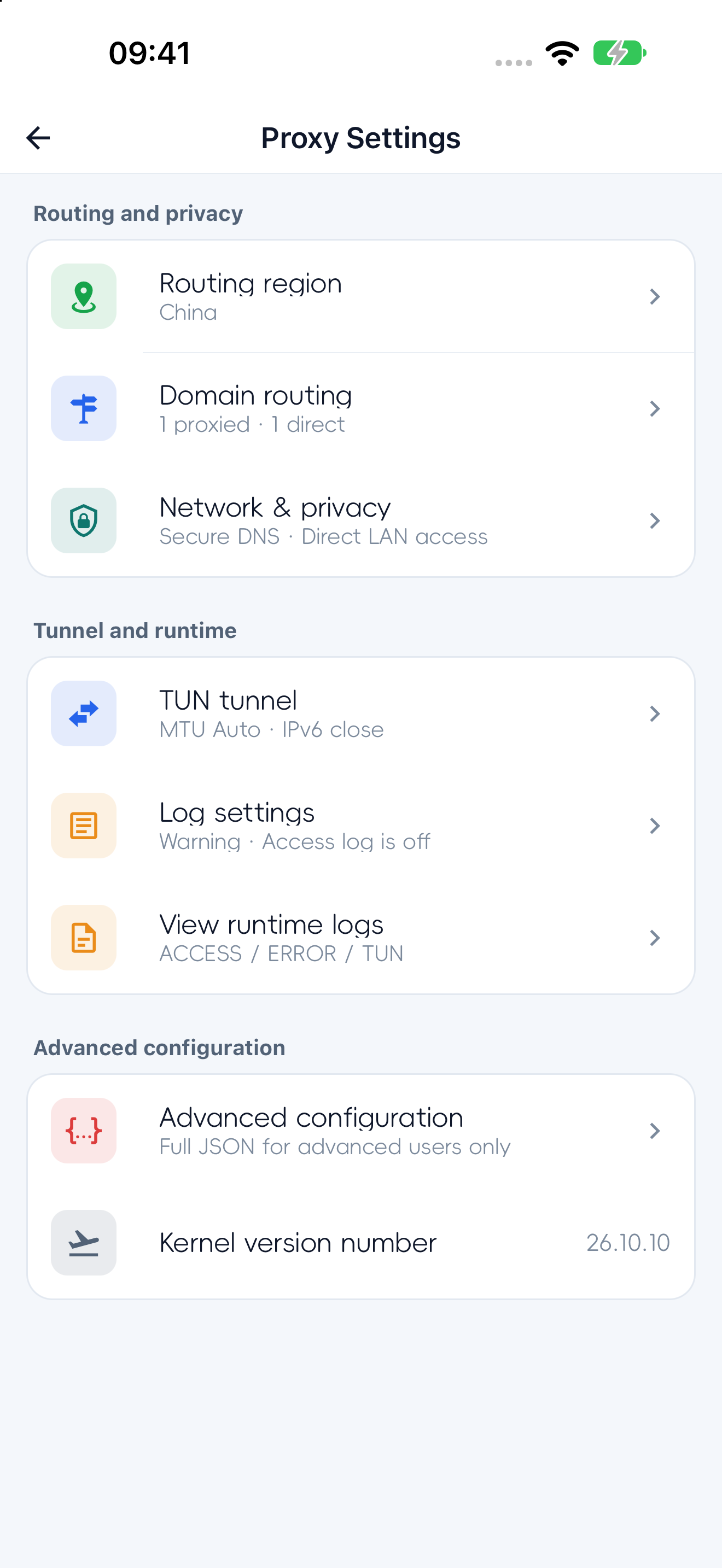
Manage domain routing, DNS, and tunnel preferences. Open advanced configuration when you need more control.
The mobile client offers light and dark appearances. The same connection controls feel familiar in different lighting.
FROM DESKTOP TO POCKET
Clients for your phone and computer, with installation options and guidance for each platform.
ROOM FOR YOUR TEAM
Members connect through the apps. Administrators manage organizations, groups, and node access from the console.
Get startedApplications, approvals, and enterprise verification follow organization settings.
Manage service node permissions through organizations and user groups.
Members can submit support tickets in the app and choose whether to attach a diagnostic report.
Management features depend on the deployment and account permissions.
BEFORE YOU START
The current clients use an Eagleway account. Service node visibility and permissions depend on server and organization settings. Parsing local nodes and obtaining runtime configuration also require the current backend.
Yes. VLESS, VMess, and Trojan are supported through manual entry or shared content import. Local nodes are stored on your device and managed separately from central service nodes.
Choose your operating system on the downloads page. macOS has Apple Silicon and Intel options; Windows and Linux have x64 options. Linux supports AppImage, .deb, and Snap packages. Mobile installation depends on the channels currently available on that page.
Check node permissions and your network, then use the app's network diagnostics. You can create a support ticket in the client and choose whether to attach a diagnostic report.
START WITH YOUR NEXT CONNECTION
Choose your device. Find your client.